LAB DONKEY STEPS
Convert SOPs into digital workflows that guide users step by step through every action.
Guided Workflows | Data Capture | Full Traceability
What STEPS Does
STEPS converts SOPs into digital workflows that:
Step-by-Step Guidance
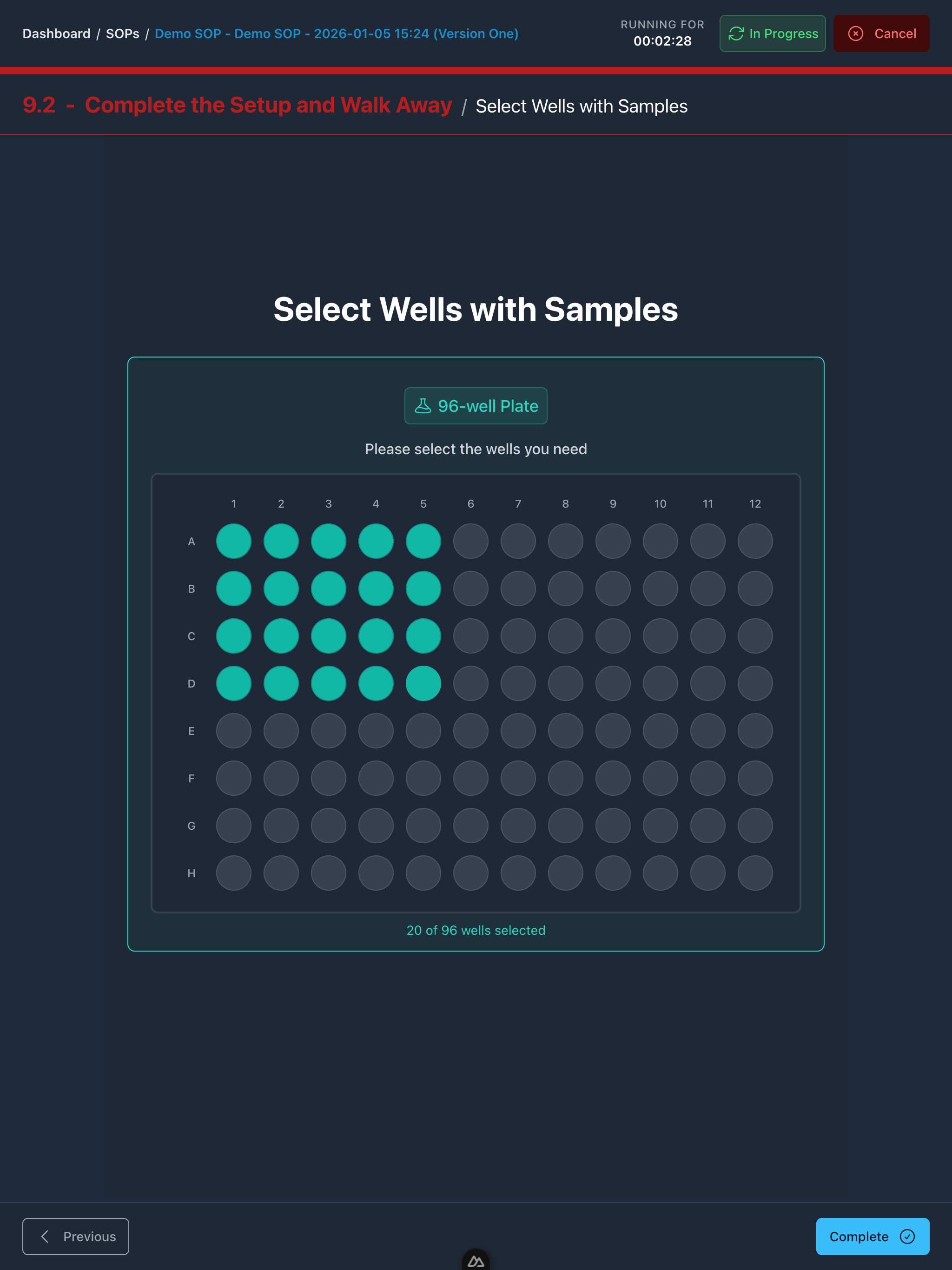
Guide operators through each action with clear prompts, required checks, and structured data capture at the right time.
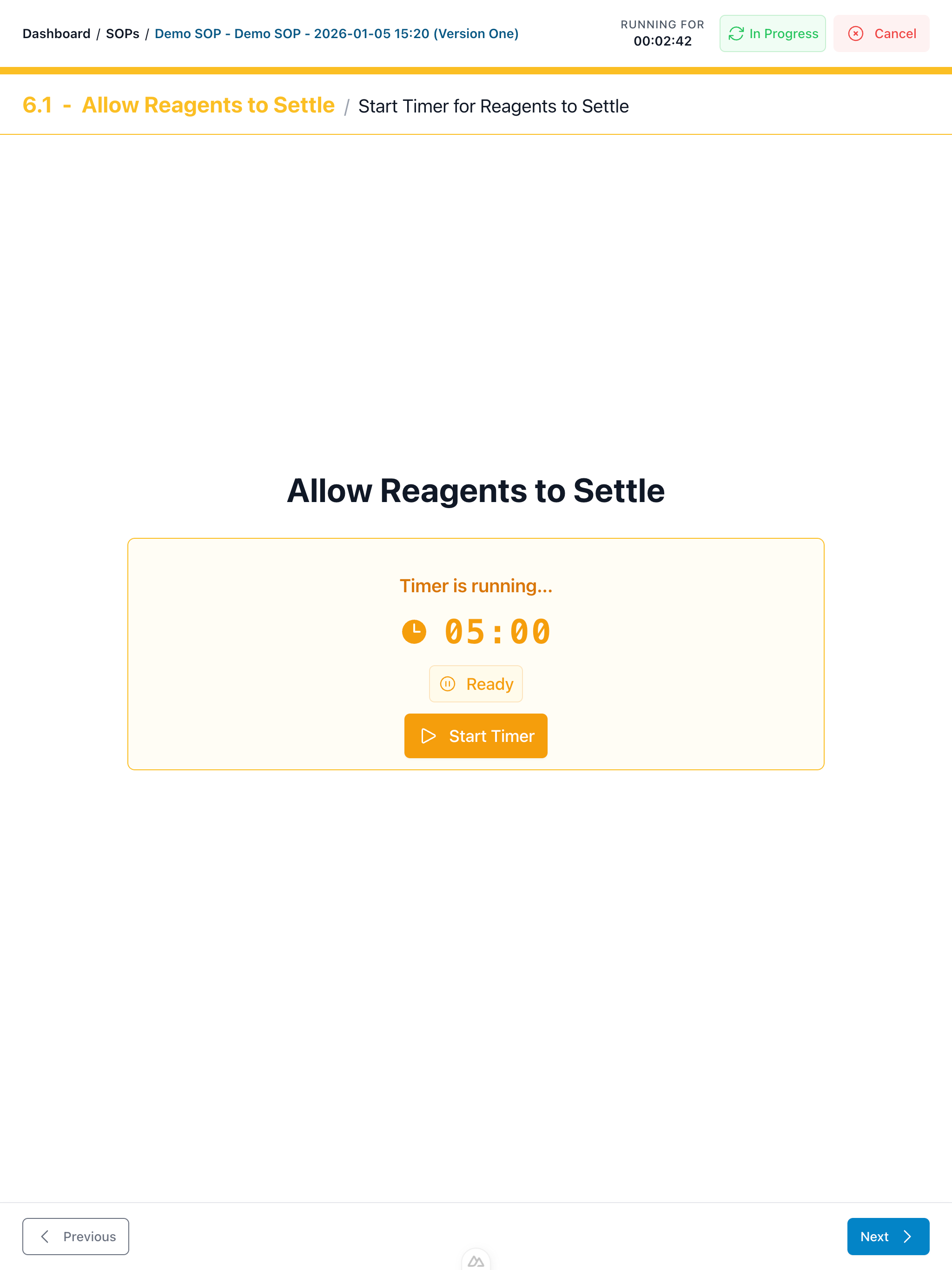
Timers and Wait Periods
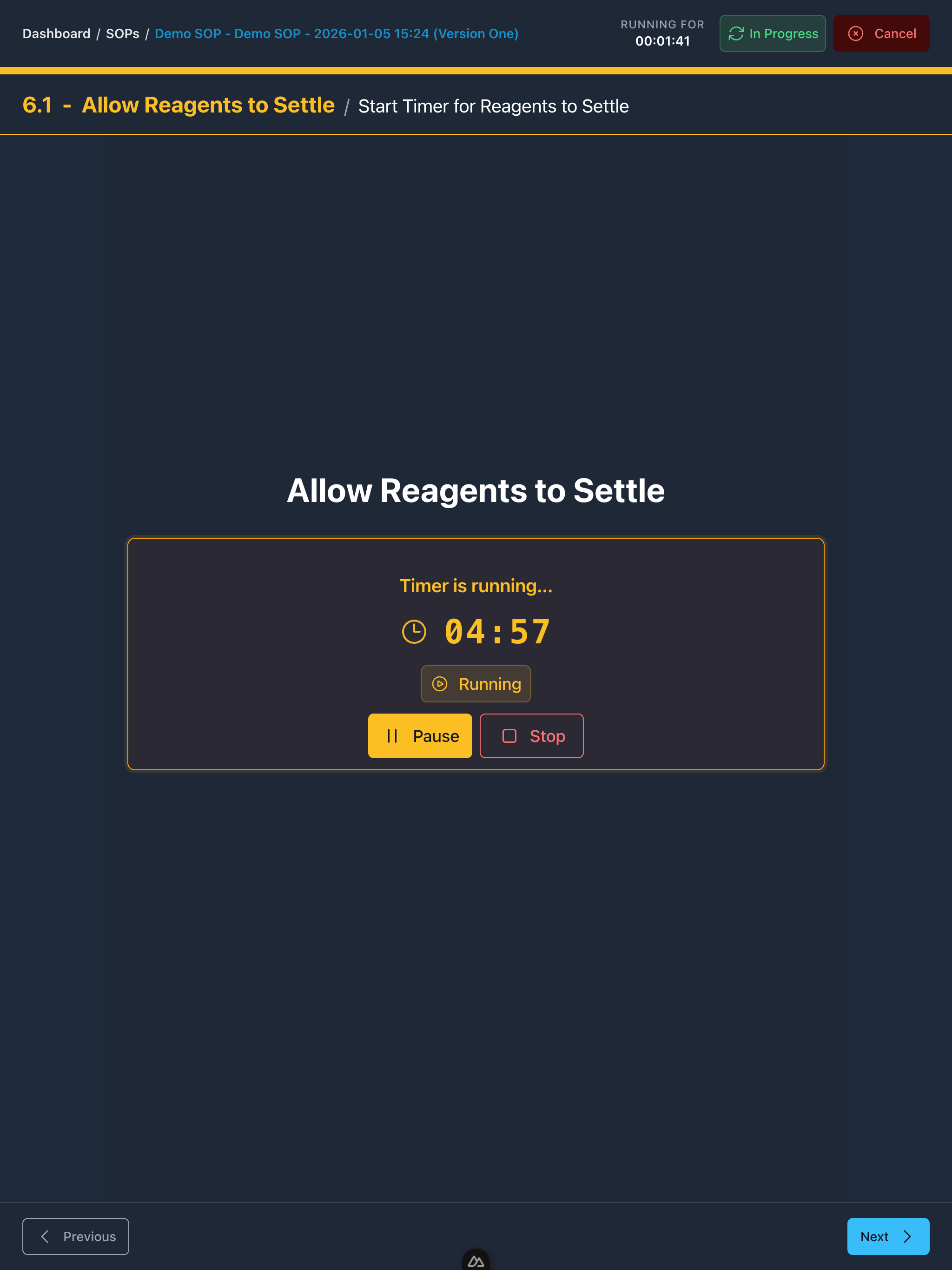
Turn incubations and waits into explicit steps with timers and status, so runs stay on track and nothing gets missed.
Media-Rich Instructions
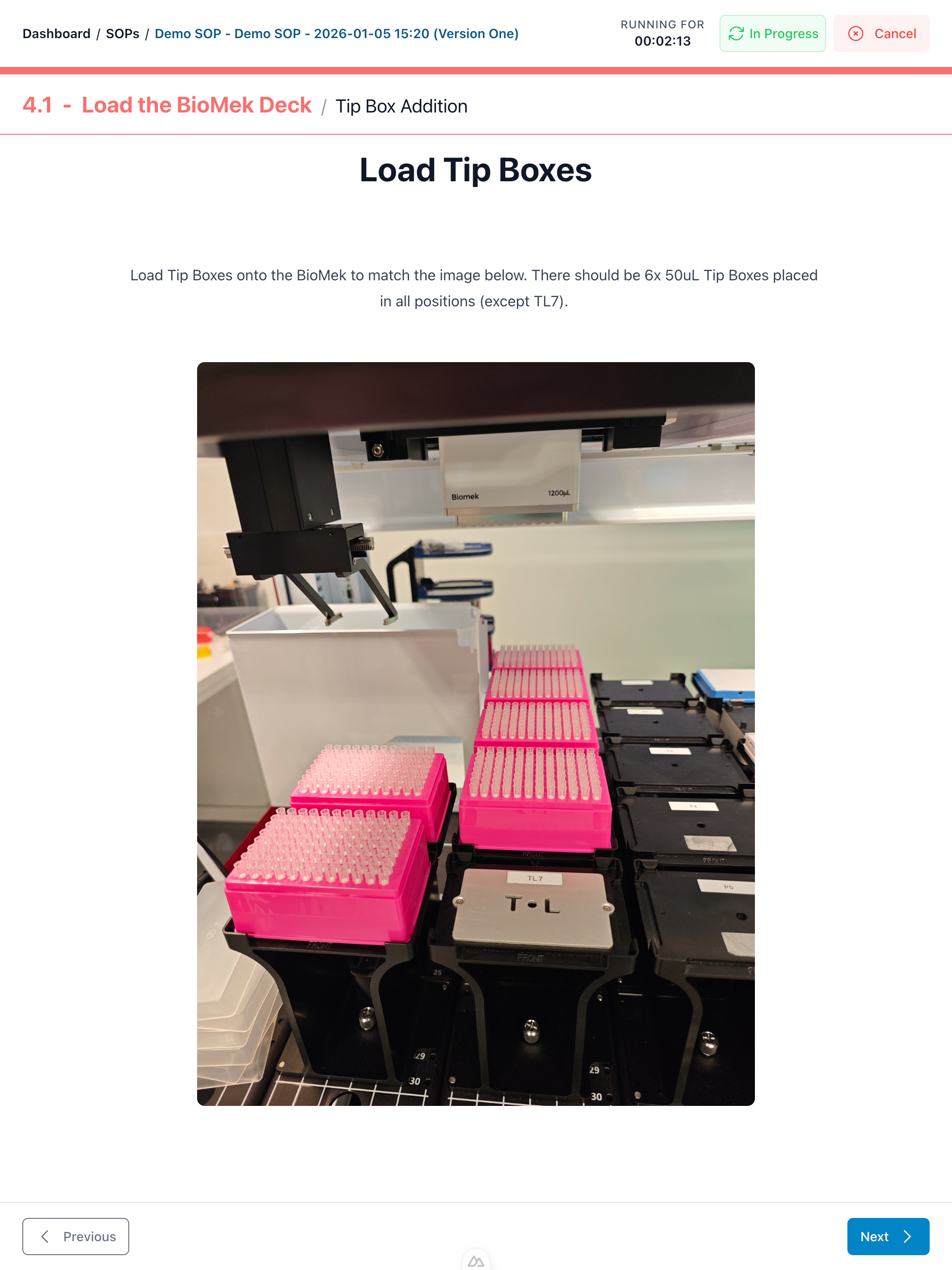
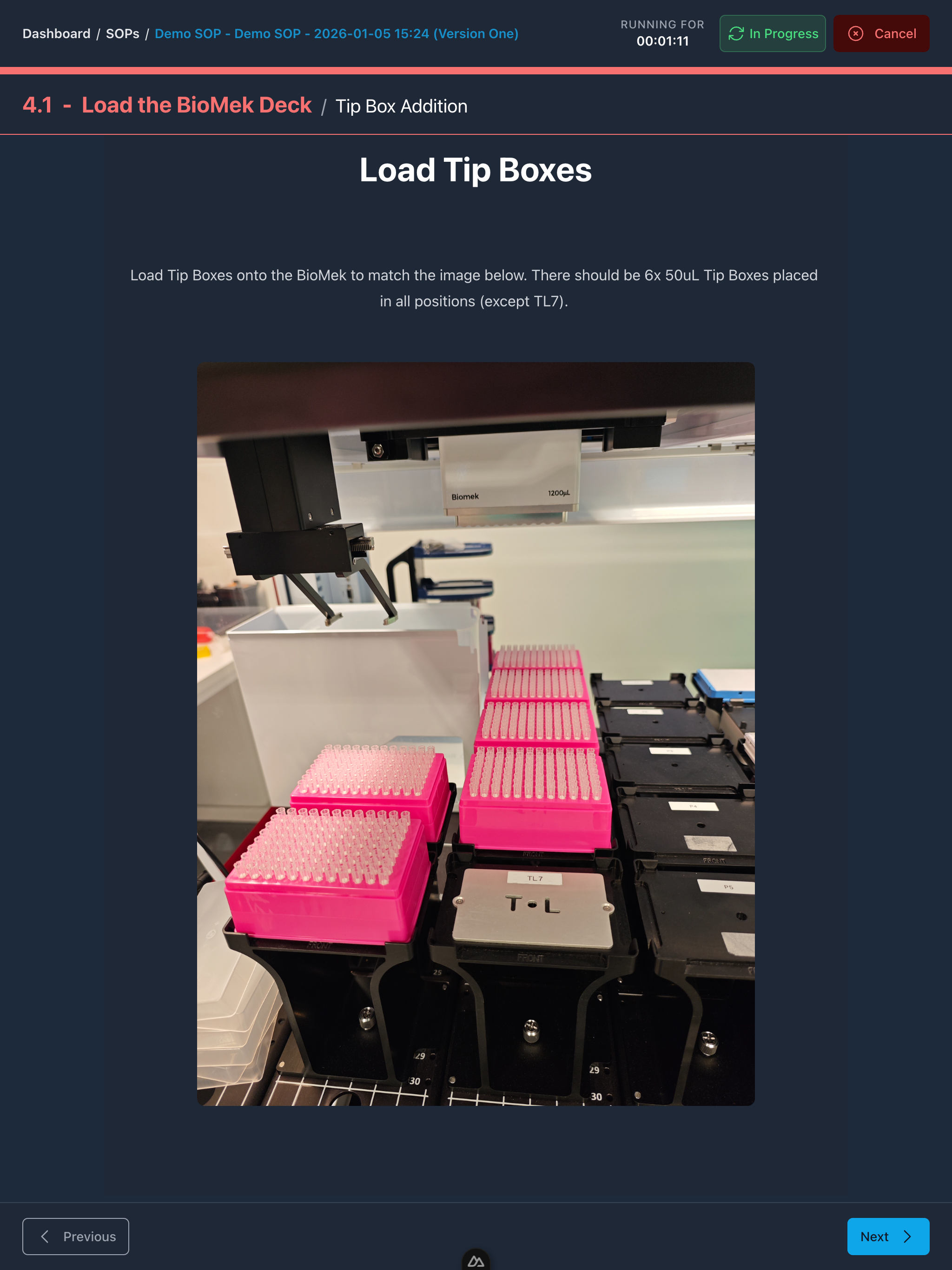
Embed images, videos, tables, and reference files directly into steps so operators can execute confidently without hunting for documents.
Instrument Integration
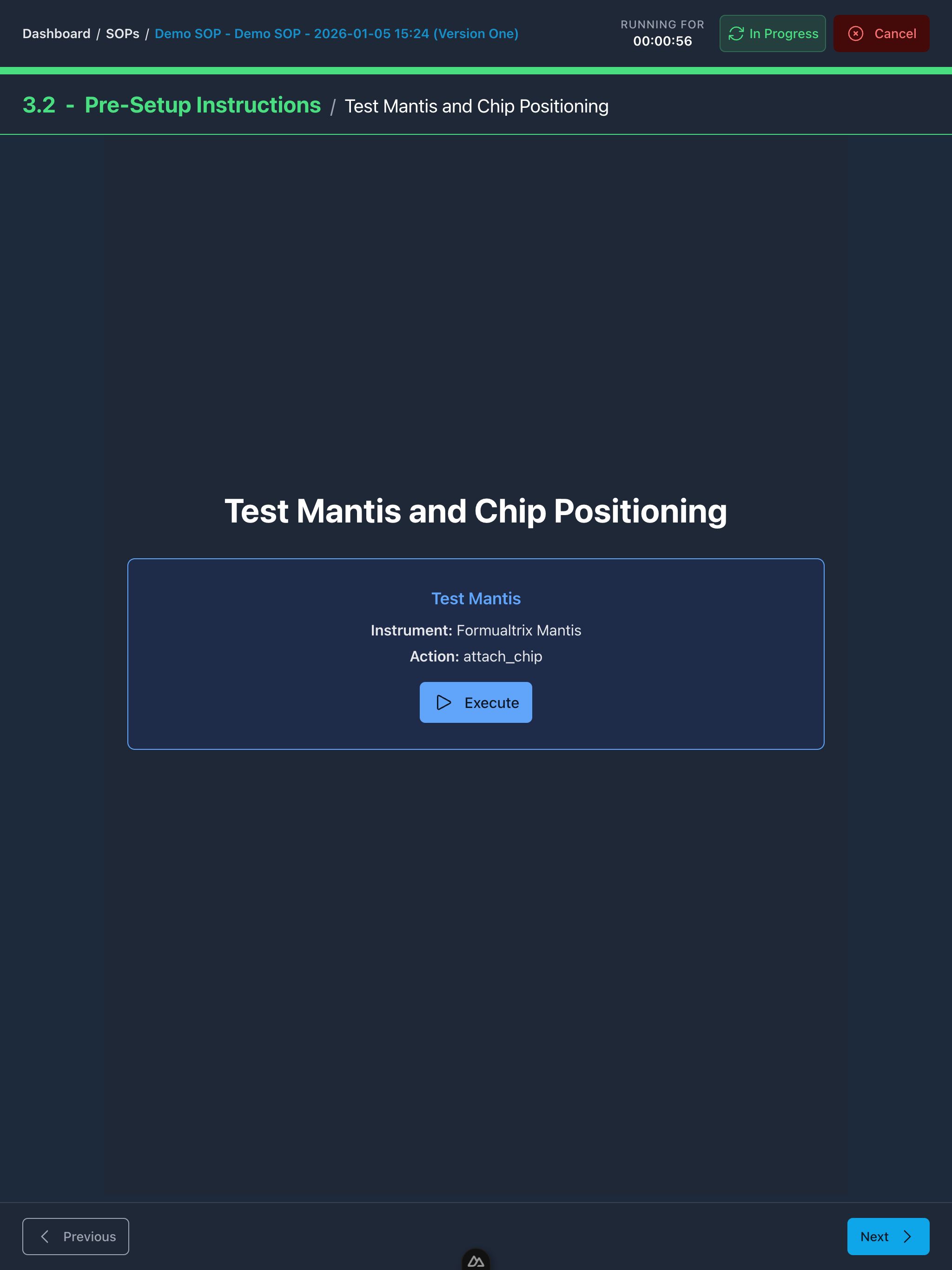
Trigger connected instruments where it makes sense, with clear prompts and simple status so people know what to do next.
Barcode and Data Capture
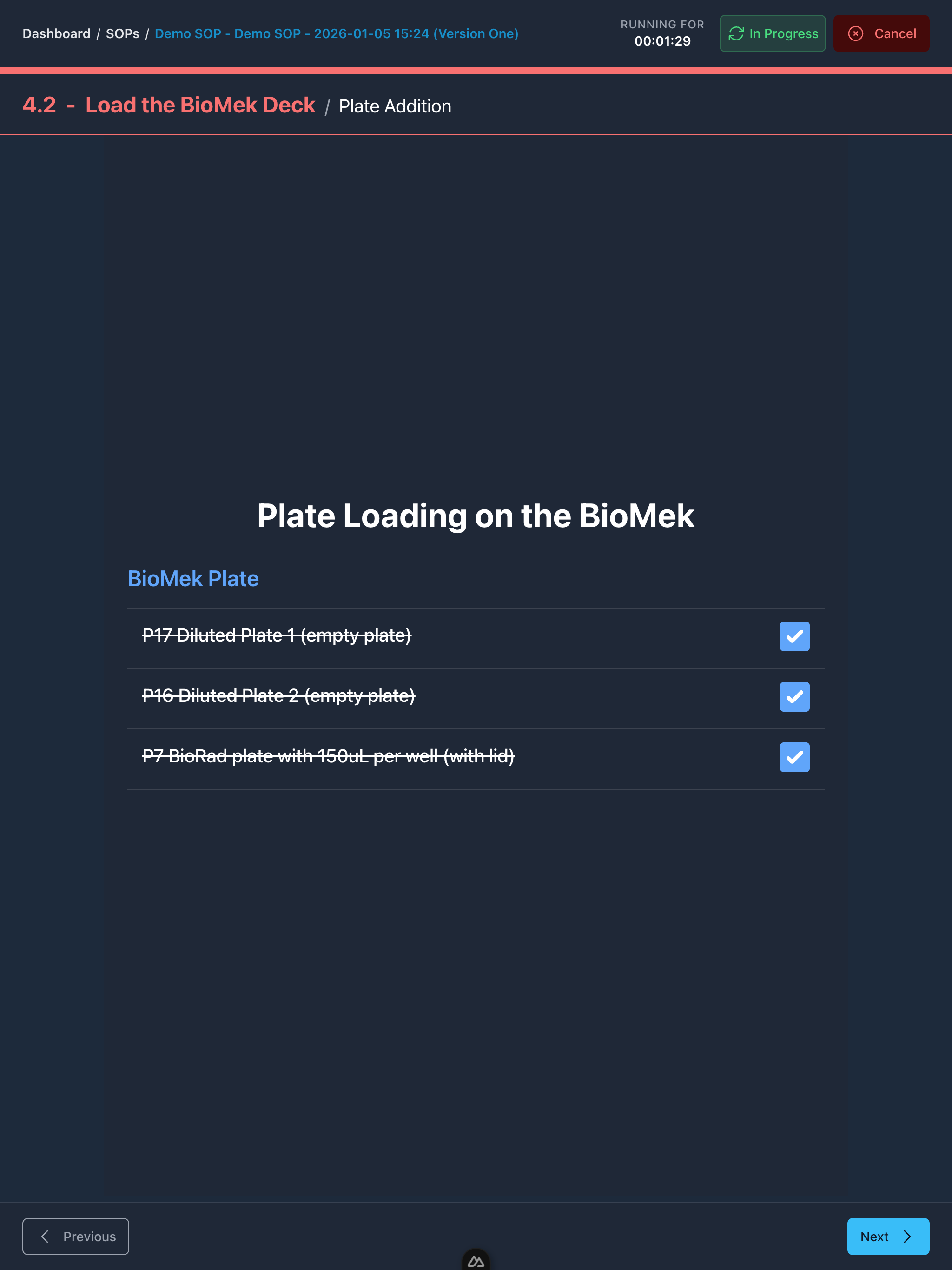
Capture barcodes, sample IDs, reagent lots, and key parameters at the point of use to reduce manual entry and improve traceability.
Run Record and Deviations
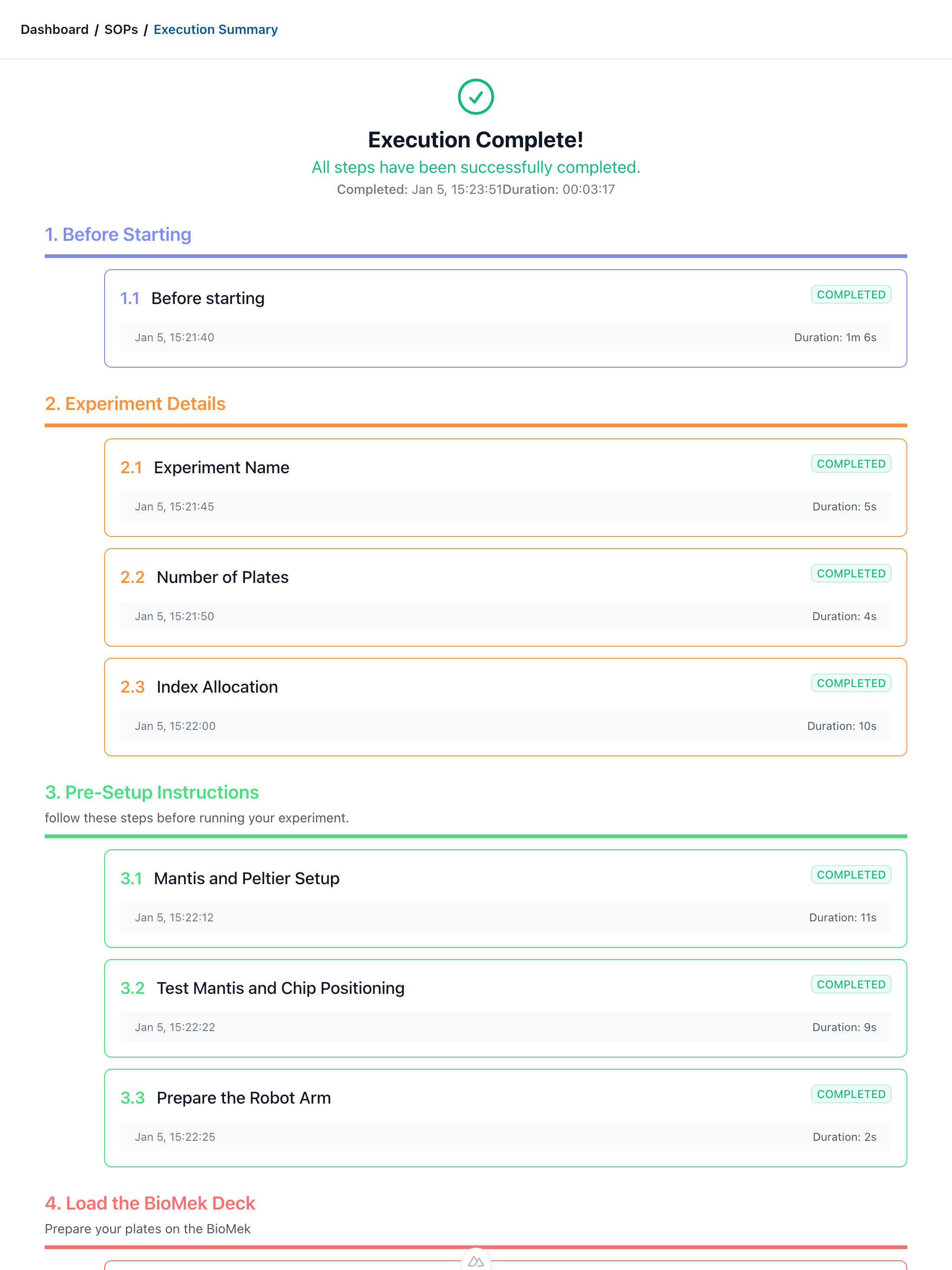
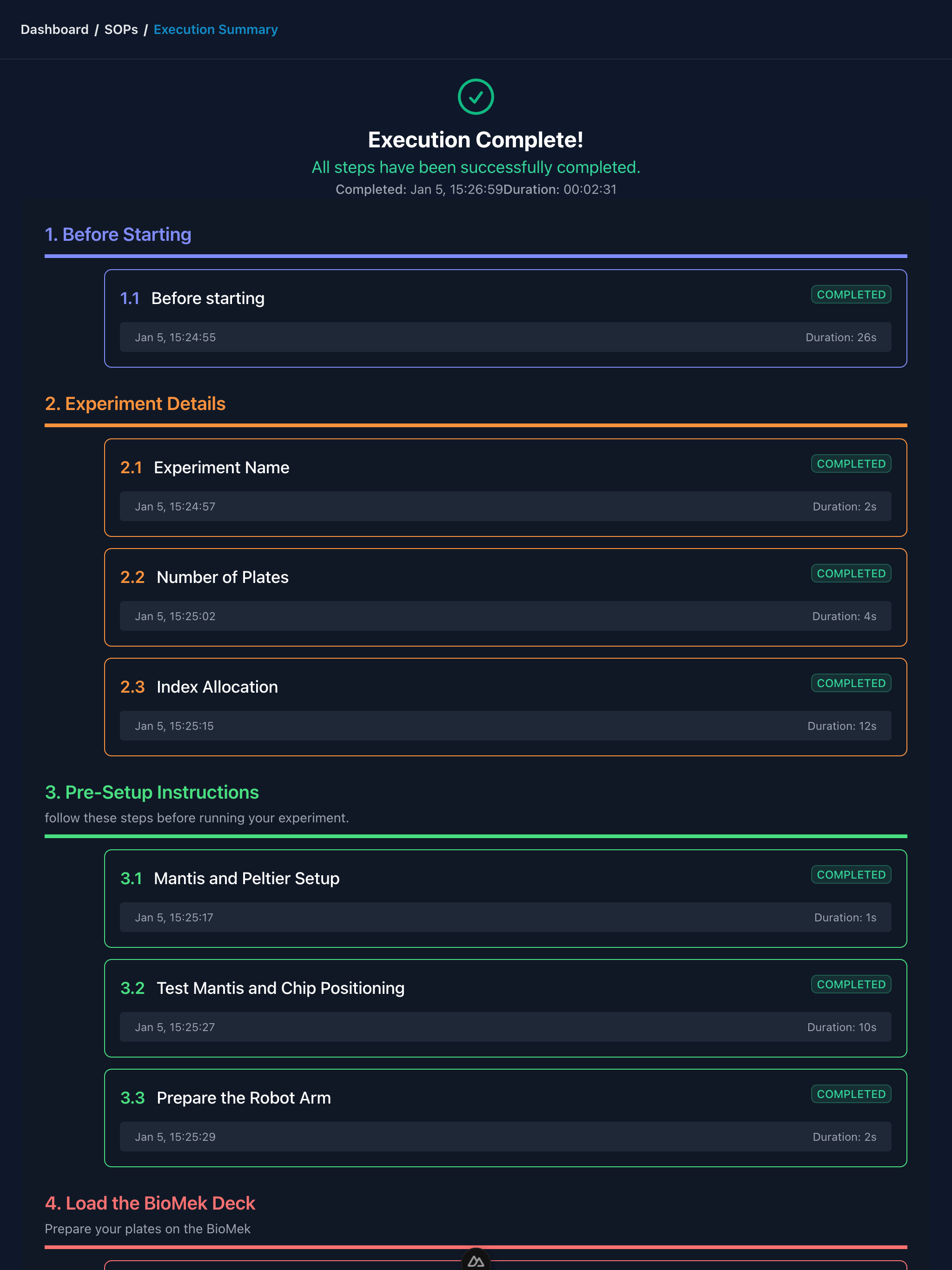
Record step completion, operator inputs, timestamps, and deviations so you can review what happened, troubleshoot faster, and improve the SOP.
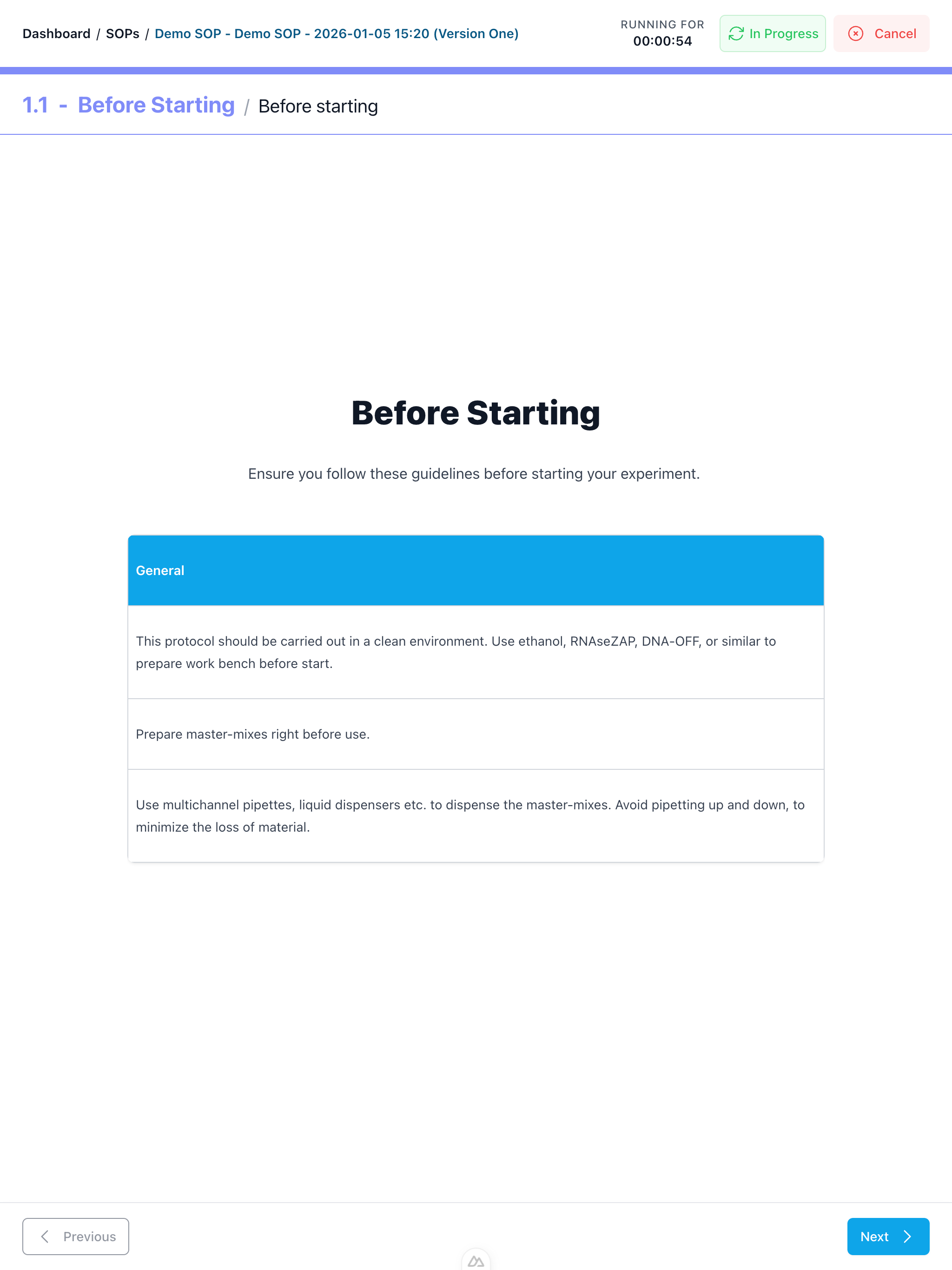
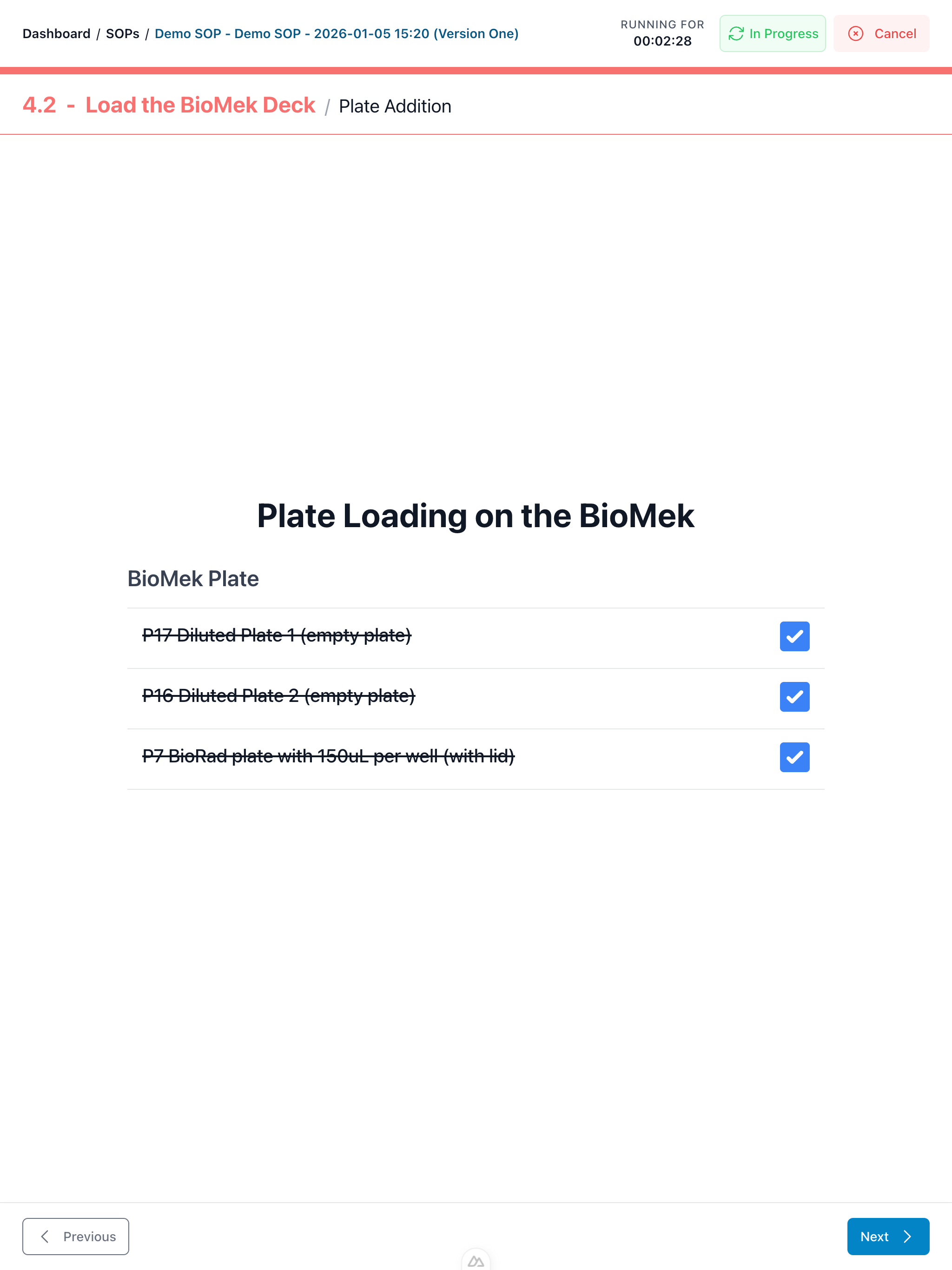
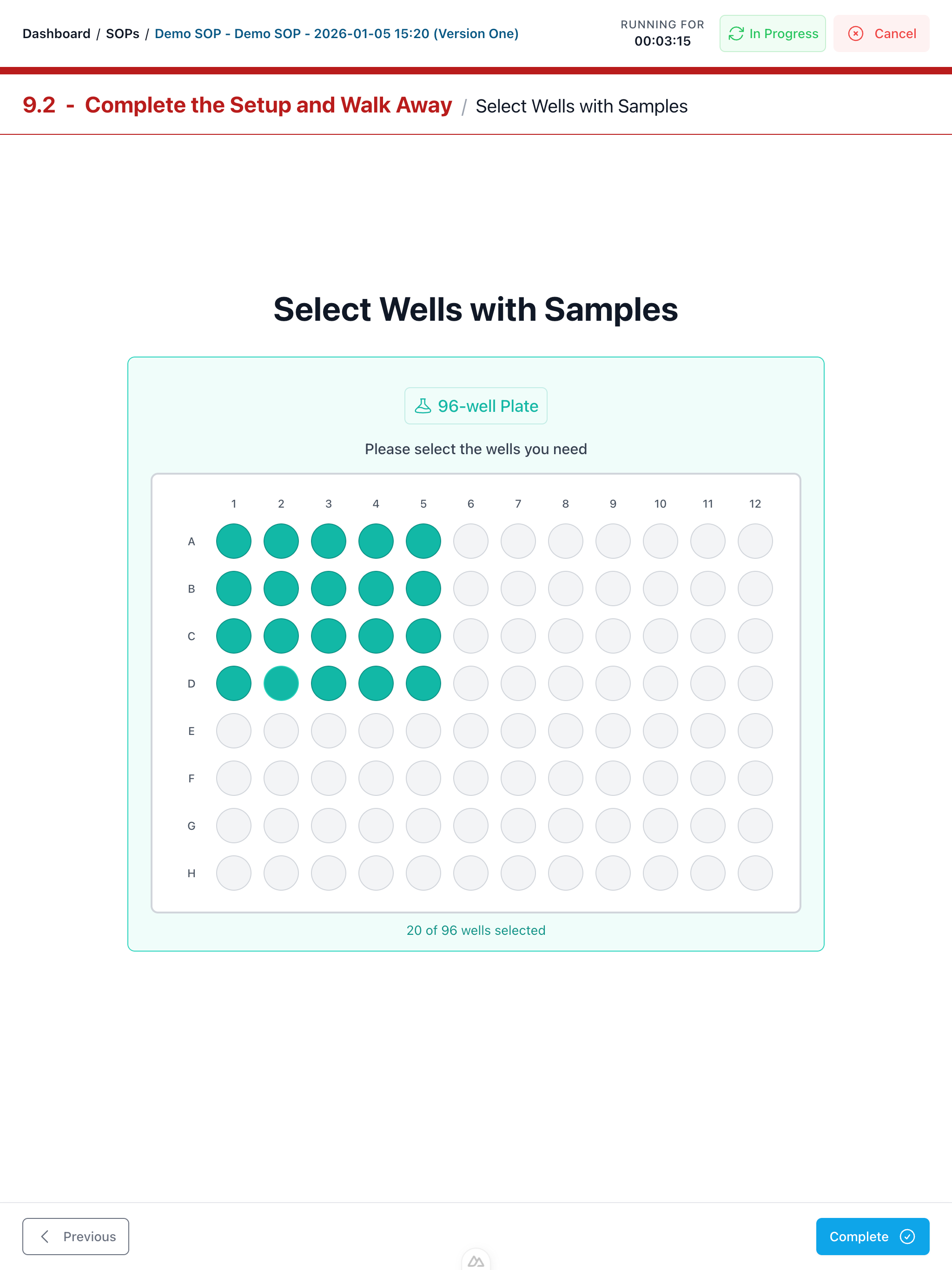
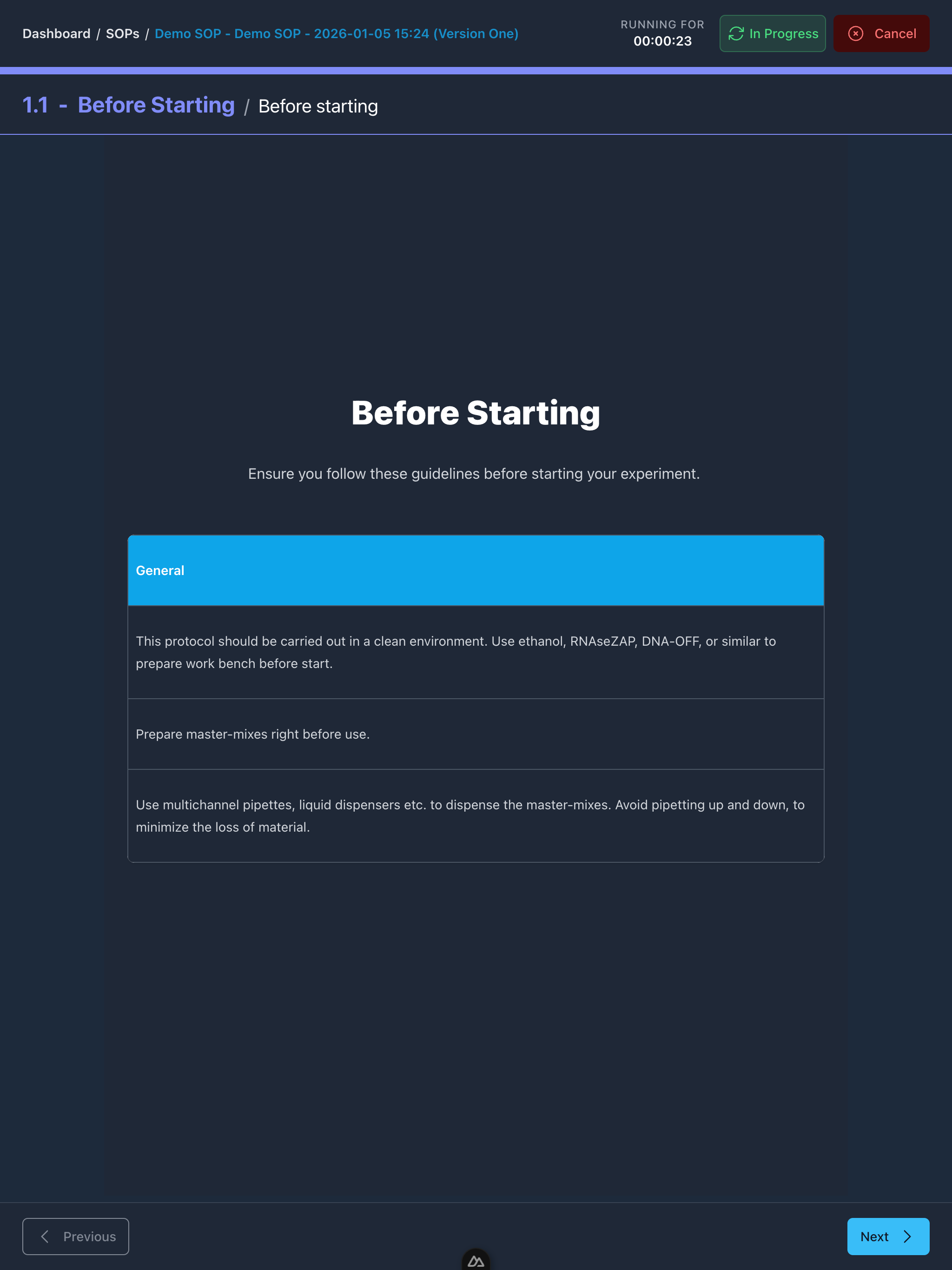
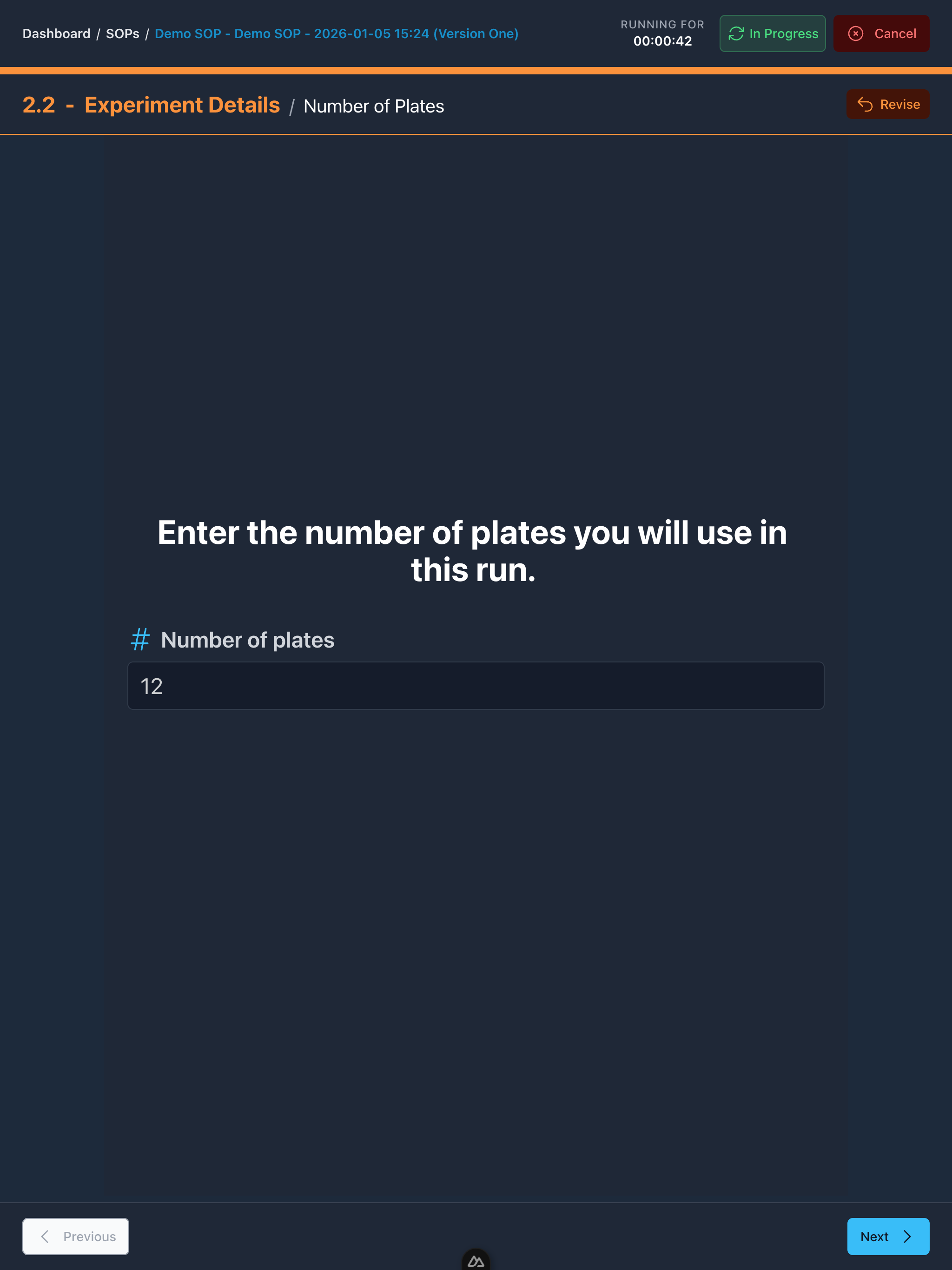
Guided Run View
The guided run view keeps the operator aligned with the method. At every point the system shows what has been done, what is in progress and what comes next.


Why STEPS
Fewer Errors and Rework
Guided workflows reduce mistakes by ensuring every step is completed correctly the first time.
Faster Onboarding
New team members can follow procedures confidently from day one with step-by-step guidance.
Consistent Execution
Achieve the same quality across shifts, sites, and operators with standardised digital workflows.
Full Traceability
When something goes wrong, quickly trace back through the run record to find and fix the issue.
STEPS FAQs
What can I embed inside a procedure?
You can embed images, videos, tables, and reference files directly into steps so operators have the context they need at the point of use.
What data can we capture during a run?
Typical capture includes barcodes, sample IDs, reagent lots, key parameters, and operator notes. You can require specific fields at specific steps to reduce missing data.
How do timers and incubations work?
Waits and incubations are represented as explicit steps with timers and clear status so operators stay aligned and nothing gets skipped.
How long does it take to convert an SOP to STEPS?
Most teams start with one high-value SOP and digitize it quickly, then iterate. The best approach is to begin with a procedure that causes rework, training pain, or frequent mistakes.
Can STEPS be used on its own or do I need SUITE?
STEPS can be used on its own for guided execution and data capture. SUITE is for full orchestration of instruments and robots. Many teams start with STEPS and add SUITE when they want deeper automation. Use STEPS alone, or pair it with SUITE when you're ready.